
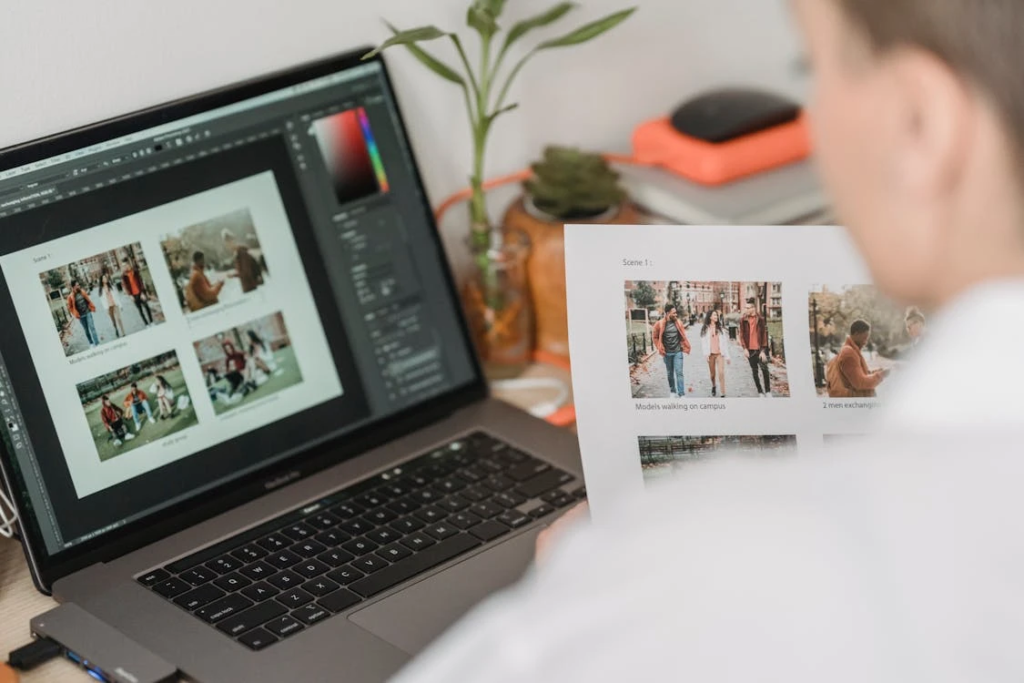
Why a Good Profile Photo Matters
A profile photo is often the first thing people notice on LinkedIn, social media, business platforms, or even messaging apps. A clear and professional-looking image helps create trust, improves personal branding, and makes communication feel more confident and approachable.
Today, many users improve portraits with editing tools, but the key is to keep the result natural. Services like Retouch help users enhance profile photos without making faces look artificial. RetouchMe combines professional manual editing with AI-assisted retouching tools, allowing users to improve lighting, skin tone, and small details while preserving a realistic appearance.
Start With Proper Lighting
Lighting has a bigger impact on photo quality than expensive equipment. Even a smartphone can produce a professional-looking portrait with the right light.
For better profile photos:
- Use natural daylight near a window
- Avoid harsh overhead lighting
- Face the light source directly
- Choose soft shadows instead of strong contrast
Natural lighting helps the skin look healthier and reduces the need for heavy editing later.
Choose a Clean Background
A busy background can distract attention from the face. Professional profile photos usually keep the composition simple and balanced.
Good background options include:
- Neutral-colored walls
- Soft outdoor scenery
- Office or workspace environments
- Blurred backgrounds with minimal distractions
Simple backgrounds create a cleaner and more polished visual impression.
Pay Attention to Camera Position
Many people take selfies from angles that distort facial proportions. Holding the phone too low or too close can make the face appear wider or less balanced.
To improve portrait proportions:
- Keep the camera slightly above eye level
- Avoid extreme close-ups
- Leave some space around the shoulders
- Keep posture natural and relaxed
Small adjustments in camera positioning often improve the photo more than strong retouching.
Edit the Photo Carefully
Good editing should enhance the original image, not completely change it. Over-smoothing skin or using strong filters can make profile photos look fake and unprofessional.
Instead, focus on subtle improvements:
- Correct uneven lighting
- Remove temporary blemishes
- Improve sharpness slightly
- Balance skin tones naturally
Professional editors usually work carefully with details while keeping facial texture realistic.
Wear Colors That Work Well on Camera
Clothing also affects how professional a portrait looks. Solid colors usually work better than busy patterns because they keep attention on the face.
Soft neutral tones, dark blue, gray, white, and earth colors often look clean and modern in profile photos.
A professional profile photo does not need expensive cameras or complicated editing. Good lighting, natural posing, balanced retouching, and attention to small details can dramatically improve the final result. When the image still looks authentic, it creates a stronger and more trustworthy impression online.