

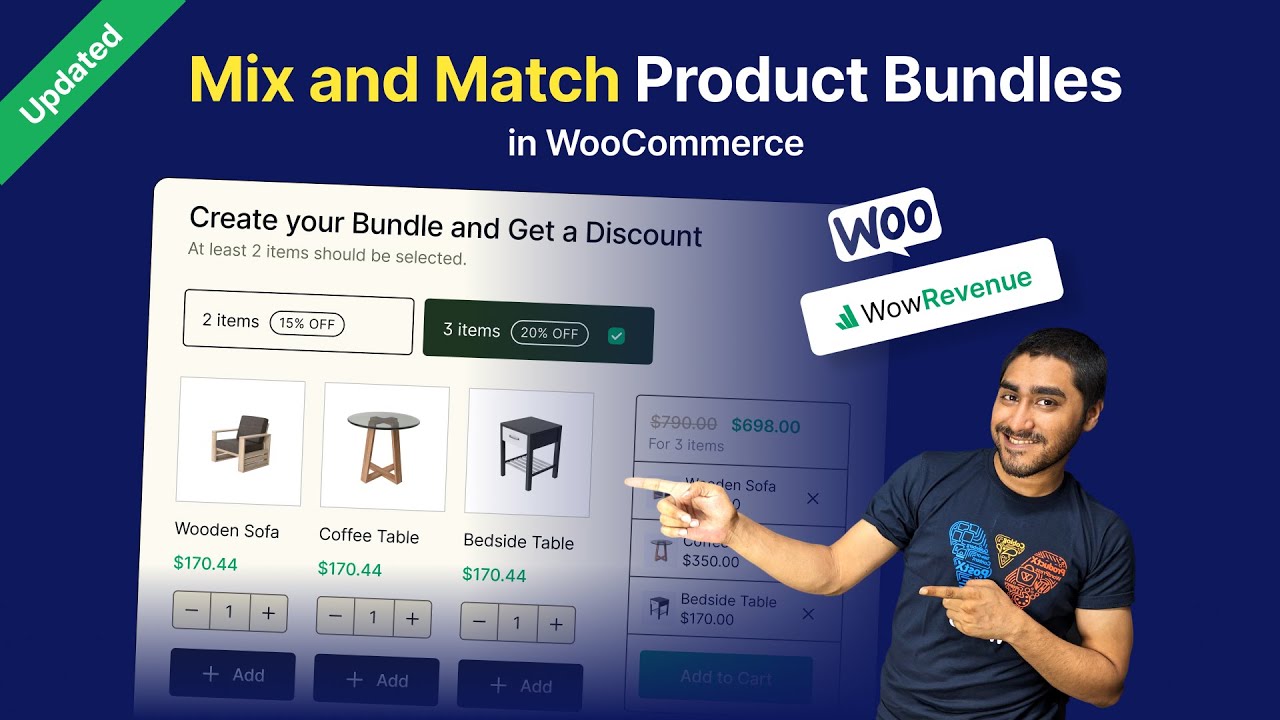
Customers love personalization and convenience when shopping online. Giving them the freedom to create their own product bundles or boxes not only enhances their experience but also increases the average order value for your store. While coding custom bundle logic or relying on theme tweaks is possible, it can be time-consuming and prone to errors.
There are multiple solutions to offer this feature, such as using pre-built bundle themes, custom scripts, or dedicated plugins, but the easiest and most flexible approach is using a plugin like the WooCommerce mix and match products by Extendons.
This plugin allows store owners to offer fully customizable product boxes, pre-filled bundles, and advanced options like gift notes, featured products, dynamic pricing, and more. It’s a user-friendly solution that combines flexibility, visual appeal, and advanced WooCommerce functionality.
What Are Mix & Match Product Boxes?
The WooCommerce mix and match products product boxes let customers select multiple items to create a single bundle. This is ideal for gift boxes, curated product sets, or multi-item kits where customers want control over each selection. Some key advantages include:
- Customizable bundles: Customers can create boxes with the products they prefer.
- Pre-filled options: Store owners can predefine items to guide customers and speed up purchase decisions.
- Flexible pricing: Offer fixed or dynamic pricing that updates as products are added.
- Enhanced engagement: Personalized gift notes and easy-to-navigate interfaces improve customer satisfaction.
By offering mix and match WooCommerce boxes, stores can provide a more interactive shopping experience while driving up revenue.
Key Features of Mix & Match Products for WooCommerce
The plugin comes with a range of powerful features that make it a complete solution for product bundling:
- Custom or pre-filled product boxes: Offer ready-to-buy bundles or let customers build their own.
- Multiple layout options: Display boxes in list or grid formats, compressed or detailed layouts.
- Flexible product pricing: Fixed pricing, per item with or without a base price, and dynamic pricing as customers add items.
- Advanced product inclusion: Add simple or variable products to boxes, controlling quantity and total items.
- Gift personalization: Customers can attach personalized gift notes to their boxes.
- User role-based visibility: Show or hide bundles based on customer type (e.g., wholesalers, members).
- Stock and bundle management: Hide out-of-stock items, limit box quantities, and highlight featured products.
- Discount application: Apply fixed or percentage discounts to items in the box with custom widget displays.
How to Create Custom Product Boxes
There are multiple approaches to creating custom bundles. You could:
- Use coding or custom scripts: Offers flexibility but requires advanced knowledge and ongoing maintenance.
- Theme-based bundle options: Limited to the design and functionality provided by the theme, often restrictive.
- Plugin-based solutions: Flexible, easy to configure, and scalable, Extendons’ plugin fits perfectly here.
Using the mix and match WooCommerce, creating a custom product box is simple:
- Install the plugin: Upload the plugin zip via WordPress dashboard → Plugins → Add New → Upload → Install → Activate.
- Set up the box: Go to WooCommerce → Products → Add New → select “Custom Product Boxes” in the Product Data tab.
- Configure general settings: Enable boxes, choose pricing type (fixed, per item with or without base price), customize layout and view style, enable gift notes, hide out-of-stock products, and set box success messages.
- Add products to boxes: Choose products or categories, set pre-filled items or allow full customization, mark featured products, and limit quantities per box.
- Apply discounts and restrictions: Set bundle item discounts, user role restrictions, and minimum product quantities for partially filled boxes.
This method allows full control of the customer’s bundle experience while ensuring accurate pricing and inventory management.
Layout and Display Options
A visually appealing display is key for customer engagement. The plugin offers:
- Compressed or detailed layouts: Control how much information is shown for each product.
- Grid or list view: Adapt to store aesthetics and user preference.
- Quick view popups: Allow customers to view product details before adding to the bundle.
- Custom placeholders: Show placeholder images for empty boxes to guide users visually.
Benefits for Your WooCommerce Store
Using the WooCommerce mix and match products plugin brings several advantages:
- Higher average order value: Customers buy multiple products in a single bundle.
- Improved customer satisfaction: Personalization options and gift notes increase engagement.
- Simplified store management: Pre-filled boxes, dynamic pricing, and user role restrictions reduce manual effort.
- Boosted conversions: Allowing partially filled boxes prevents cart abandonment.
Conclusion
Mix & match product boxes are more than just a feature, they’re a way to create engaging, interactive shopping experiences that increase sales and improve customer loyalty. Whether through custom coding, theme tweaks, or pre-built solutions, you can offer product bundles, but a plugin provides unmatched flexibility, ease, and speed.
Key takeaways:
- Create custom or pre-filled product boxes with flexible pricing.
- Offer simple or variable products and allow personalized gift notes.
- Display boxes in grid or list layouts with quick view options.
- Set limits on box quantities, hide out-of-stock items, and feature specific products.
- Apply discounts and user role-based restrictions to drive targeted sales.
Empower your store with a plugin-based solution that lets customers take control of their shopping experience. Mix & match boxes are intuitive, scalable, and proven to increase both engagement and revenue, making them an essential addition to any WooCommerce store.
