

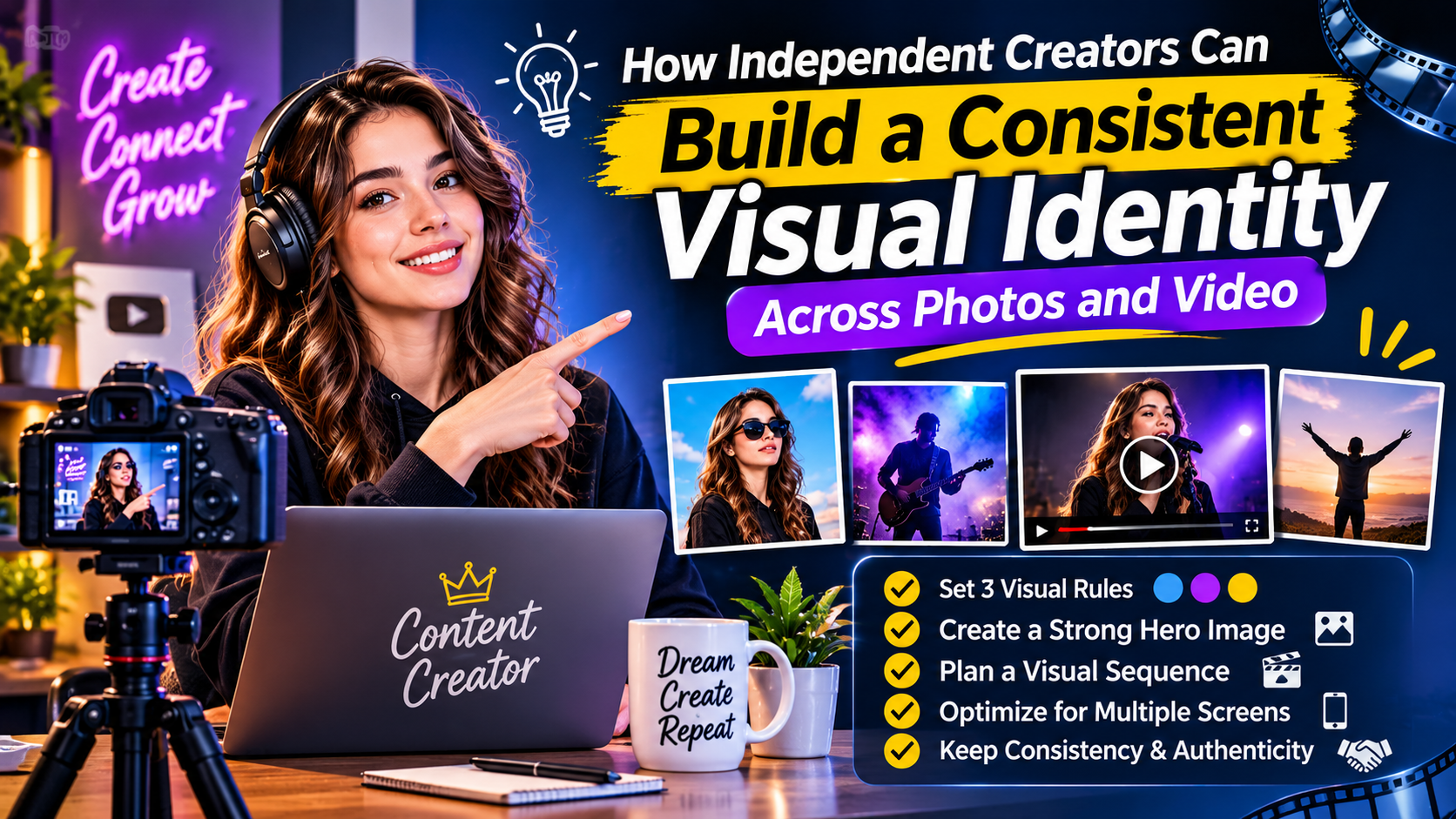
A creator’s visual identity combines colors, lighting, composition, typography and movement so audiences can recognize connected releases.
Consistency does not mean making every post identical. It means establishing a small set of choices that can guide a profile photo, announcement graphic and music-led video without rebuilding the brand each time.
Here is a practical workflow for independent musicians, podcasters and digital creators.
Start With Three Visual Rules
Write down three decisions before editing anything:
- A limited color palette with one dominant and one supporting color.
- A lighting direction, such as warm daylight or high-contrast night scenes.
- A composition rule, such as centered portraits or generous negative space.
Choose two or three reference images for observable qualities rather than vague labels such as “premium” or “cinematic.”
These notes become a compact visual brief that can be reused across future releases.
Prepare a Reliable Hero Image
Choose the strongest original portrait, product photograph or artwork available. A clean source file gives editing tools more useful information than a compressed social-media screenshot.
An AI photo editor can support focused tasks such as enhancement, noise reduction, background removal and style exploration. HueLift also allows users to compare processed images with the original.
Use enhancement to address a specific problem rather than changing everything at once. Check faces, hair, text and fine edges closely because reconstructed details may differ from the source.
Keep factual text—prices, dates and product specifications—outside the generated image so it remains easy to verify and update.
Turn the Visual Brief Into a Sequence
A music video needs progression, not just matching colors. Select a short audio passage and mark its opening, build, strongest moment and resolution.
Then assign a visual purpose to each section. The opening may establish a character or location. The build can introduce movement. The strongest musical moment can deliver the most memorable image, while the ending should resolve rather than stop abruptly.
An AI music video generator such as BeatVideo can help develop this structure from audio through an editable creative brief, references, scene descriptions, shot prompts and storyboard review.
Use the storyboard stage as a quality gate. Check whether recurring characters remain recognizable, whether locations feel related and whether the proposed camera movement supports the song.
Start with a short section before developing a full sequence. This makes it easier to test the visual direction and estimate how many revisions the project may need.
Design for More Than One Screen
A 16:9 composition may work for YouTube while placing the subject too far from the center for a 9:16 social cut. Plan both versions rather than relying on automatic cropping.
Keep faces and key objects inside a central safe area. Add captions in the final editor, test them on a phone and confirm the message still works without sound.
Export separate files with clear names, including format and revision number. Keep originals, working drafts and approved versions in different folders to prevent an outdated file from being published.
Review Consistency Without Losing Authenticity
Place the profile image, campaign graphic and several video frames side by side. They should feel connected, but each should still perform its own job.
Check rights to all photographs, music and reference material before commercial publication. Do not present generated scenes as evidence of real events, locations or endorsements.
The goal is not maximum visual effects. It is recognition. A small, repeatable system of color, lighting, composition and pacing can give an independent creator a coherent identity while leaving room for every new release to tell a different story.
